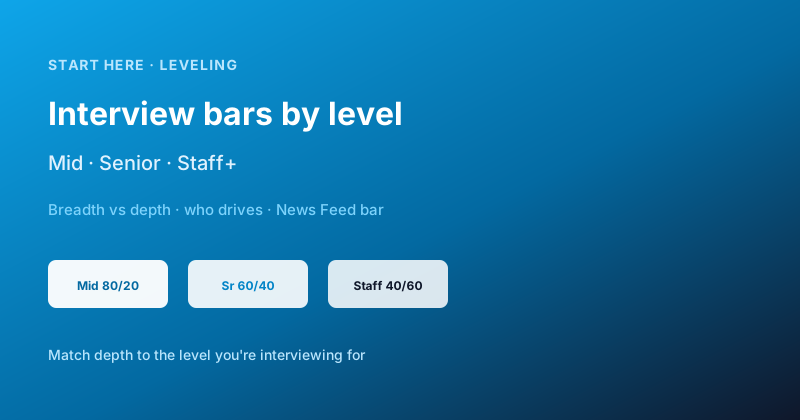
What mid, senior, and staff+ interviewers actually grade in system design — breadth vs depth, who drives, and concrete News Feed bars so you match the level you're interviewing for.
Engineering manager8 min read
·
01Why level bars matter
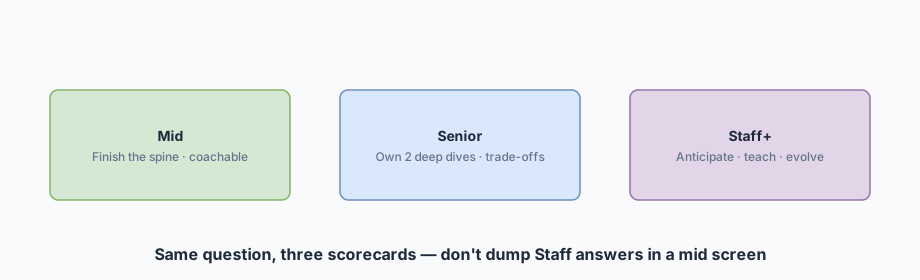
Candidates often fail by playing the wrong game: dumping staff-level Redis HA into a mid screen (looks unfocused) or waiting for hints in a staff loop (looks passive). This post is the grading rubric — pair it with Delivery framework and a practice breakdown.
Same whiteboard, three bars — match depth to the level.
01Mid
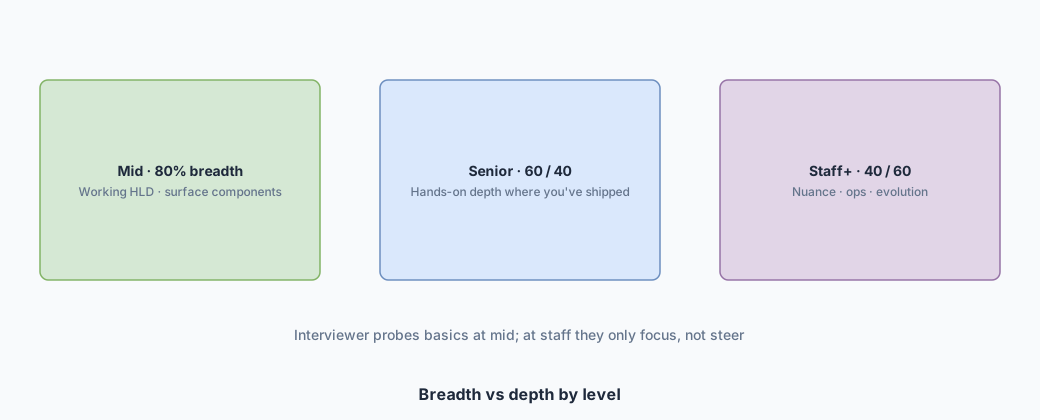
80% breadth · working HLD.
02Senior
60/40 · ≥2 deep dives.
03Staff+
40/60 · you steer.
04Example
News Feed bars.
02Breadth vs depth
As level rises, expected depth rises — and so does ownership.
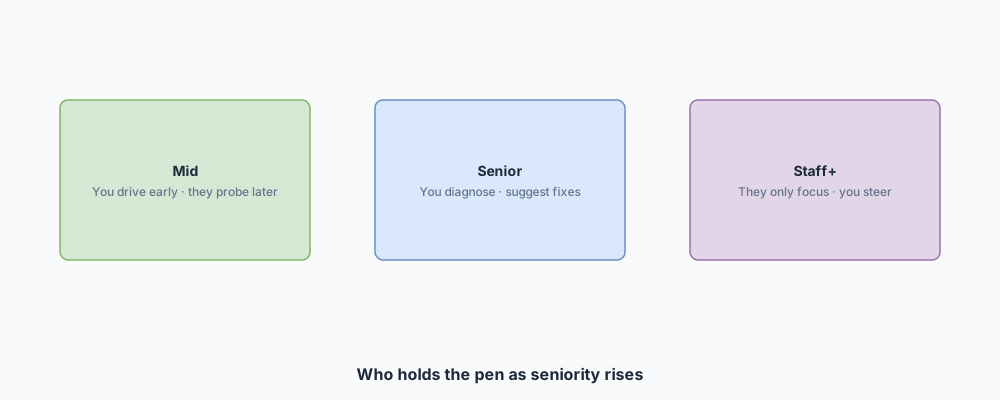
Who holds the pen — mid shares the wheel; staff owns the route.
03Mid-level
04Senior
05Staff+
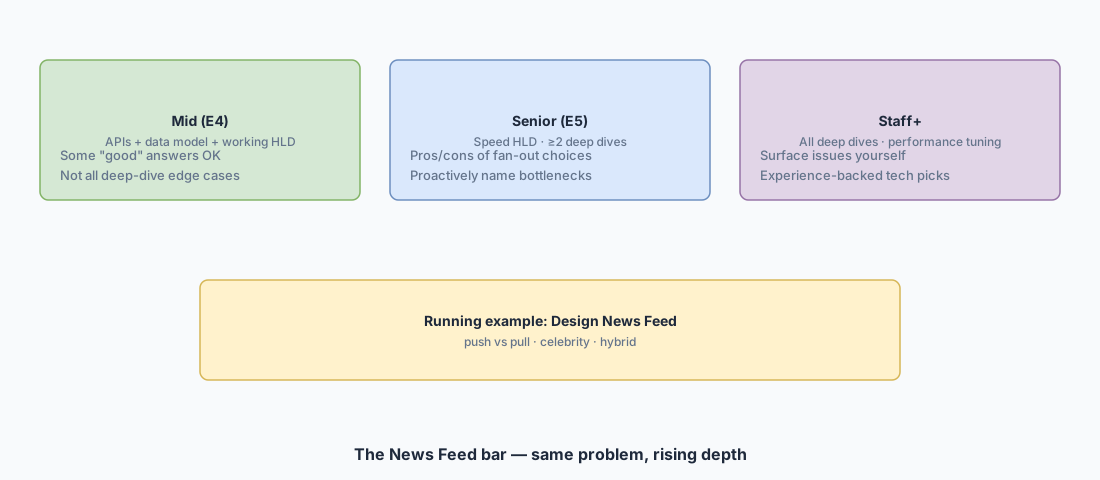
06News Feed bars side by side
One question — rising ownership of fan-out and performance.
Mid: APIs + model + working feed HLD; coachable into better fan-out.
Senior: Fast HLD; ≥2 deep dives; proactive celebrity / bottleneck talk.
Staff+: Full deep-dive coverage; self-surfaced issues; tuning and evolution.
Practice the full walkthrough in Design News Feed and Design Instagram — then re-read this page and ask: "Did I play the right level?"
07How to use this while practicing
08Interview Q&A by level
Interview takeaway
Match the scorecard. Breadth gets you mid; owned deep dives get you senior; anticipation and tuning get you staff.
09Wrapping up
Leveling isn't "know more buzzwords" — it's who drives, how deep, and whether you surface the hard parts yourself. Use News Feed (or Instagram / Ticketmaster) as the yardstick, then practice at the bar you're hiring for.